So what is it?
CrawlPlanner is a web page for running a bar crawl. The host plans the route and gets one link. Everyone else just opens it on their phone, and it keeps the whole crew on the same page all night.
🧭 If you're hosting
- Add your bars with address search, plus notes like "$5 drafts till 10"
- Broadcast live announcement alerts to all phones (e.g. "We're on the patio!")
- Start a 5, 10, or 15-minute countdown so nobody leaves tabs open
- Add your Venmo, Cash App, or PayPal so friends can chip in for rounds
- Tap one button to move everyone to the next bar
- See who's checked in at each stop, and who has headed home safe
- Add, drop, or reorder bars on the fly, or tack on an extra hour
- Download all crawl photos in a single .zip before they expire, or delete the whole crawl yourself any time
🙋 If you're tagging along
- Open the link and add your name. No account needed
- RSVP ahead of time and see who else is going
- See the current bar with one-tap Google Maps, Apple Maps, Uber, or Lyft
- See walking estimates and ride links to the next stop
- Check in, see who's here by name, and spot drink specials & where the group is inside
- Heading out early? Tap Irish Exit to quietly let the host know you got home safe
- Drop pics with captions and react to photos with emojis (🍺, 🔥, ❤️, 😂)
- Chip in for drinks or tab costs directly via host payment links
- Conquer photo scavenger hunt challenges and tap to reveal bar trivia
- Vote on night-of awards and share high-res 9:16 story cards to Instagram or TikTok
- Get lock-screen alerts when the crew moves to the next bar (Android: tap Allow. iPhone: add the page to your Home Screen first)
- Peek at the whole plan so you always know what's next
Here's an example crawl in Indianapolis 🏎️
📱 What guests see
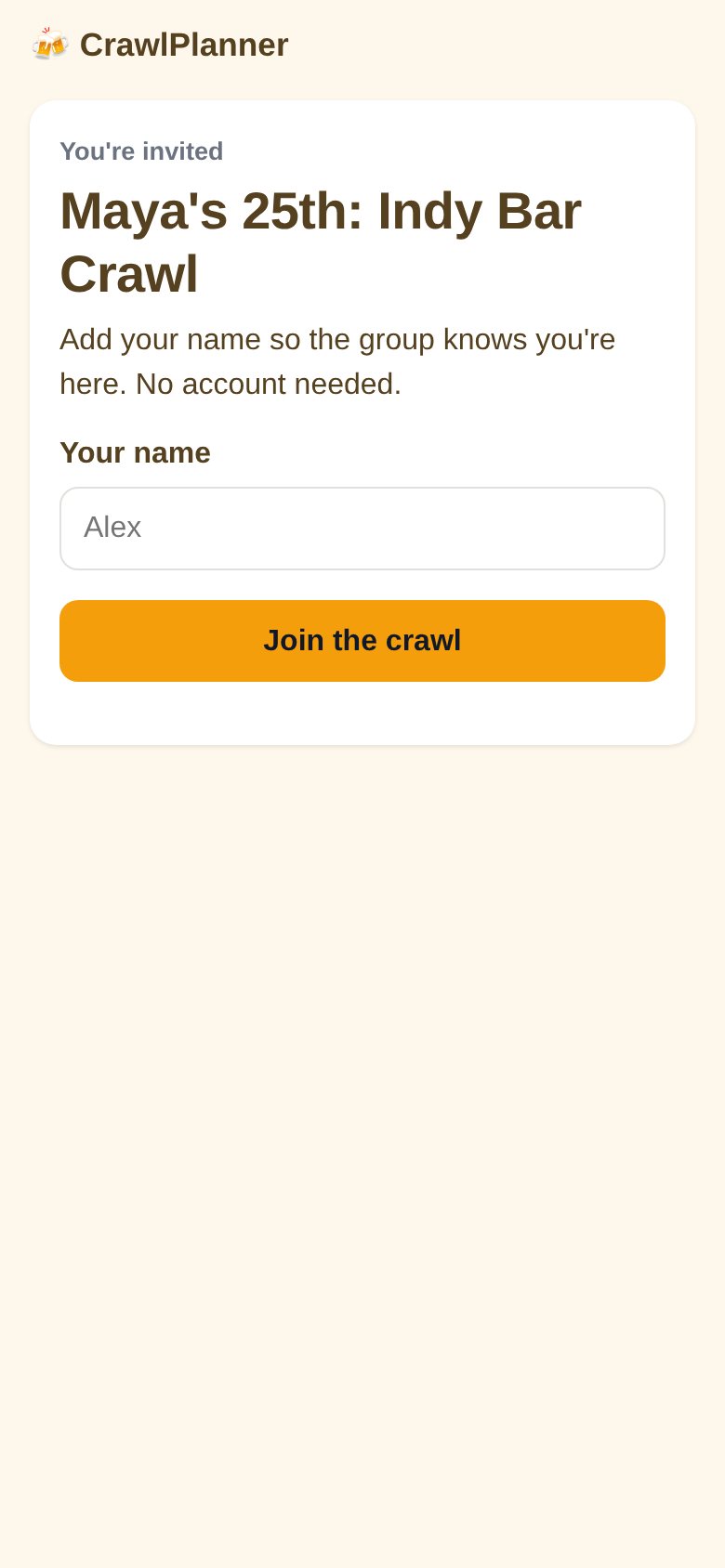
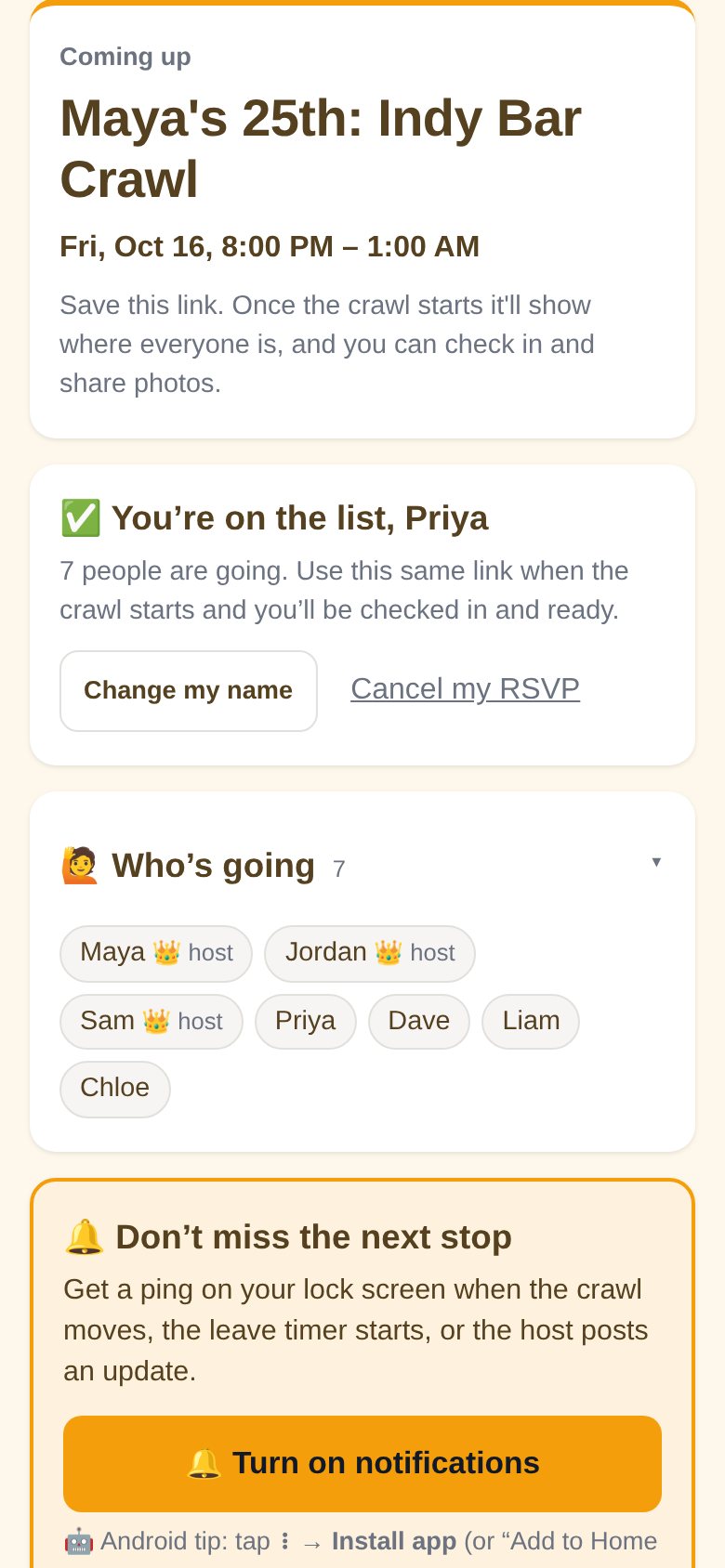
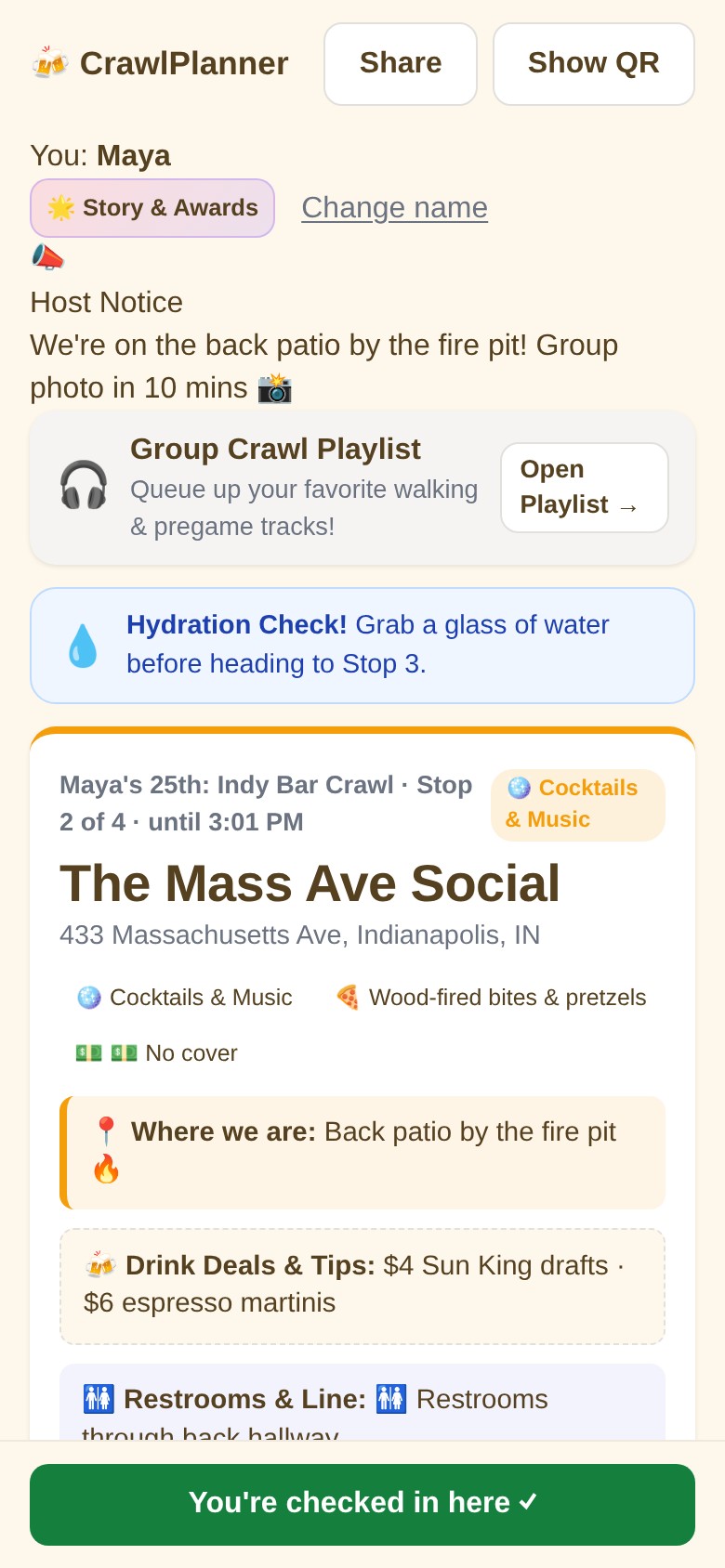
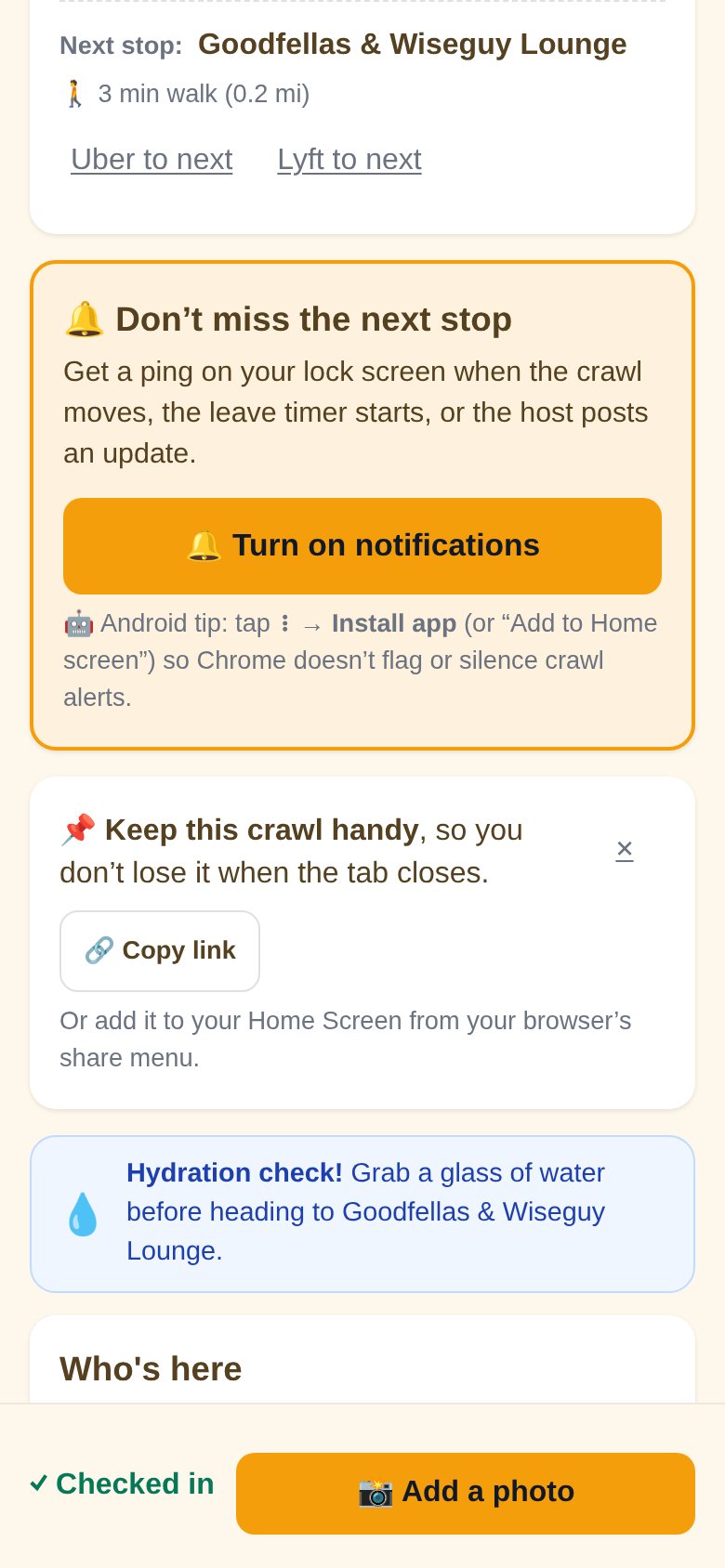
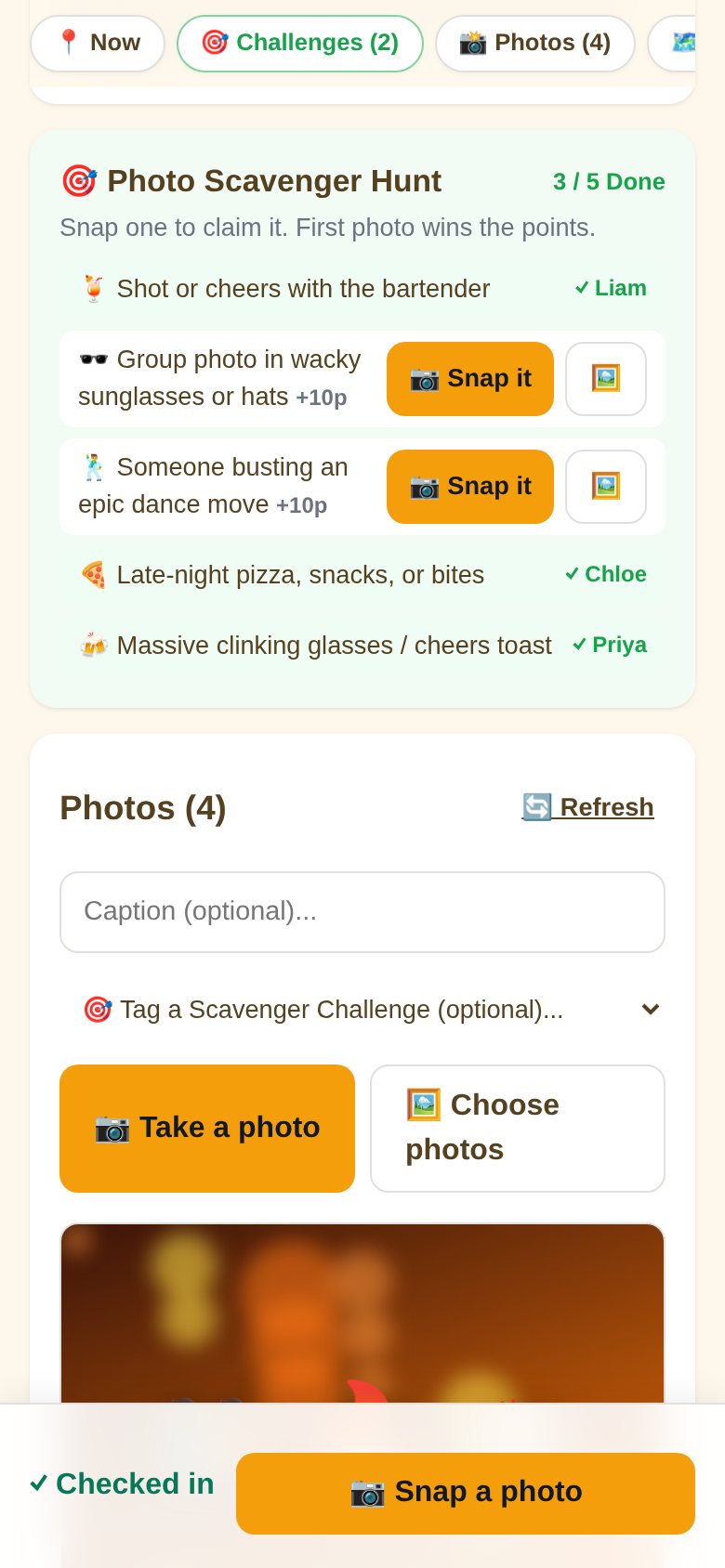
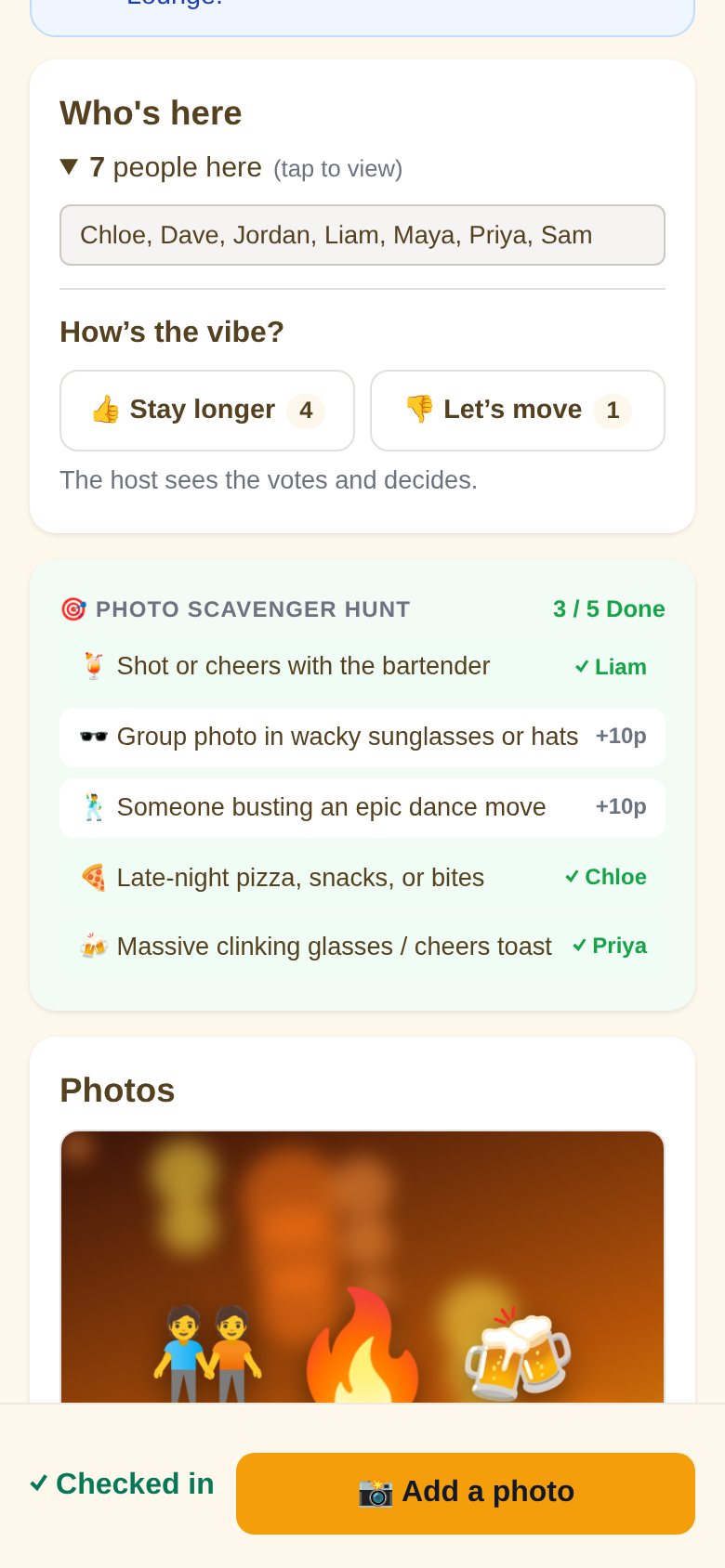
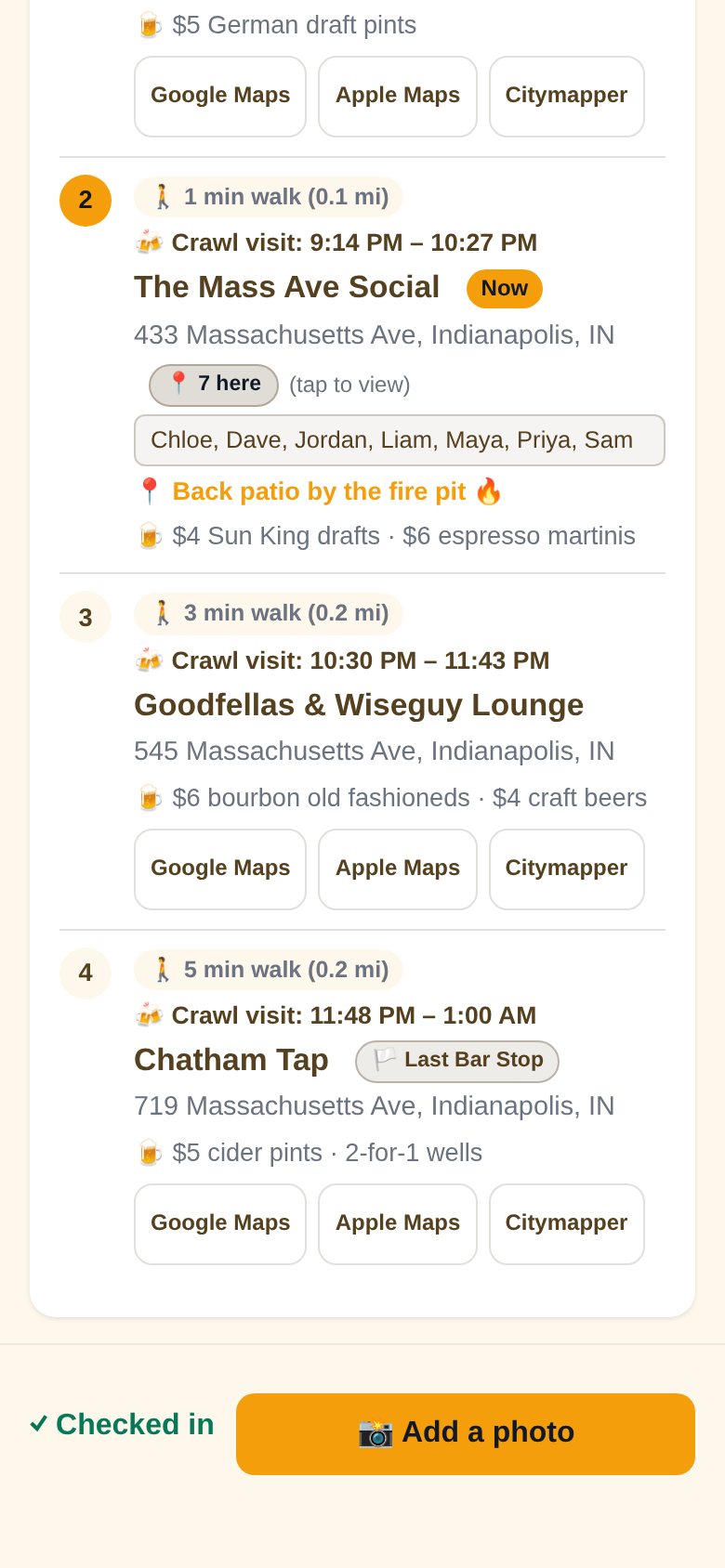
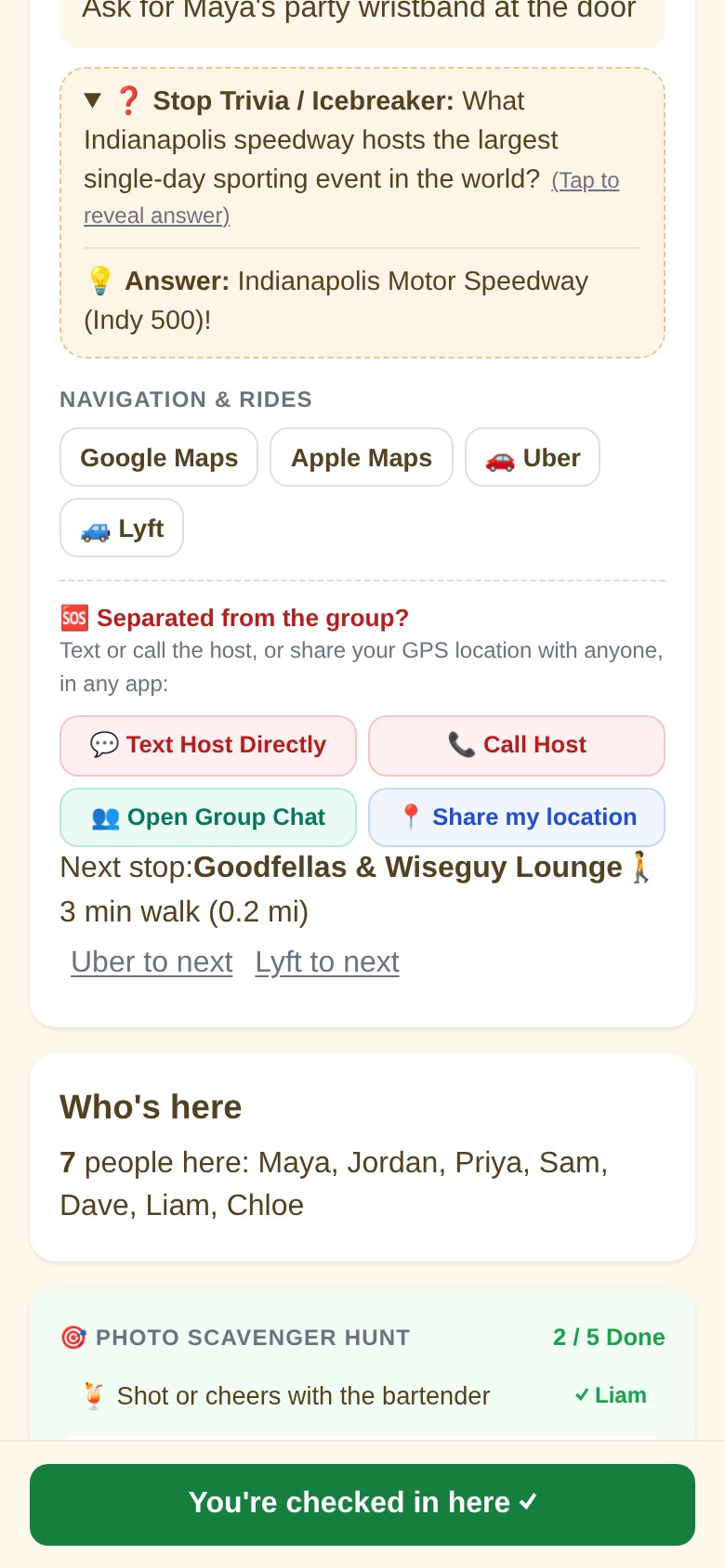
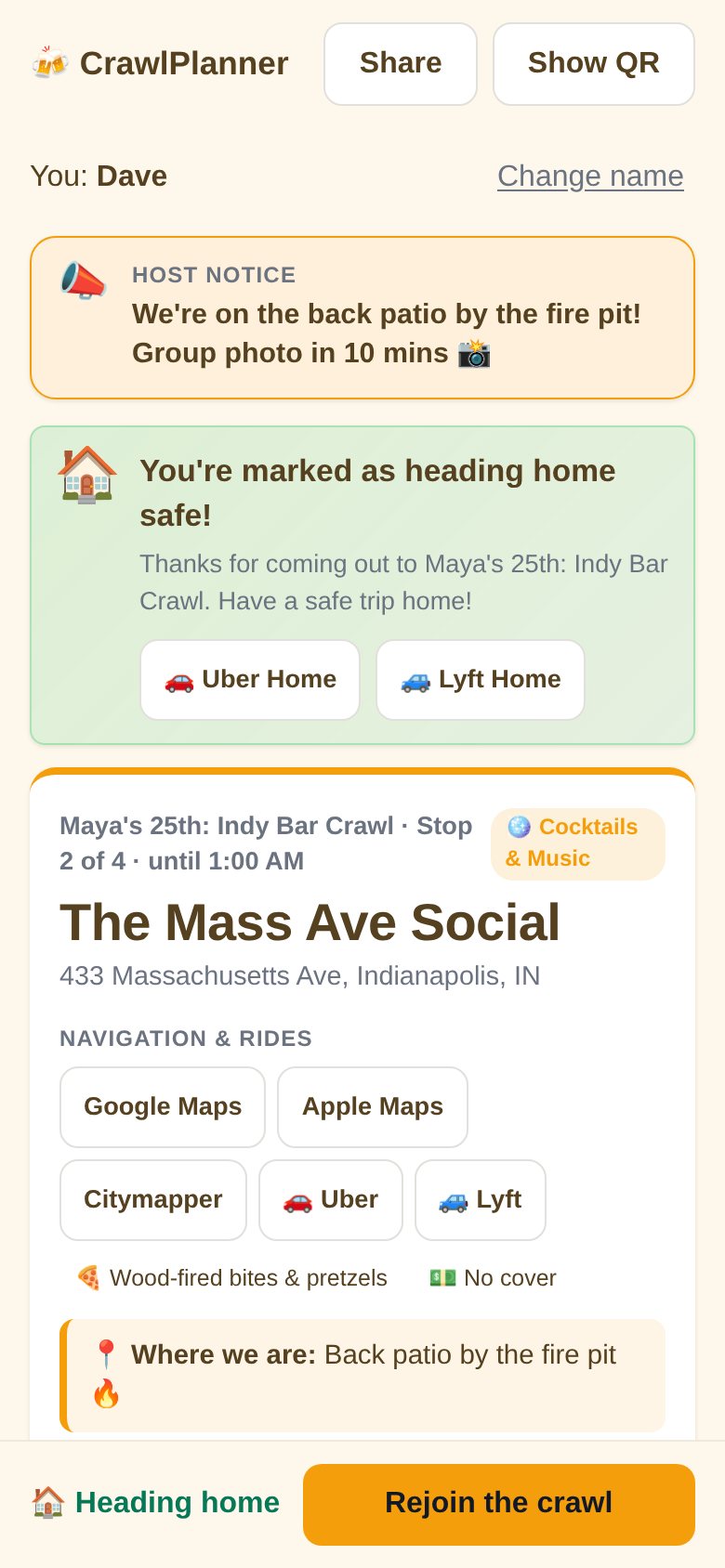
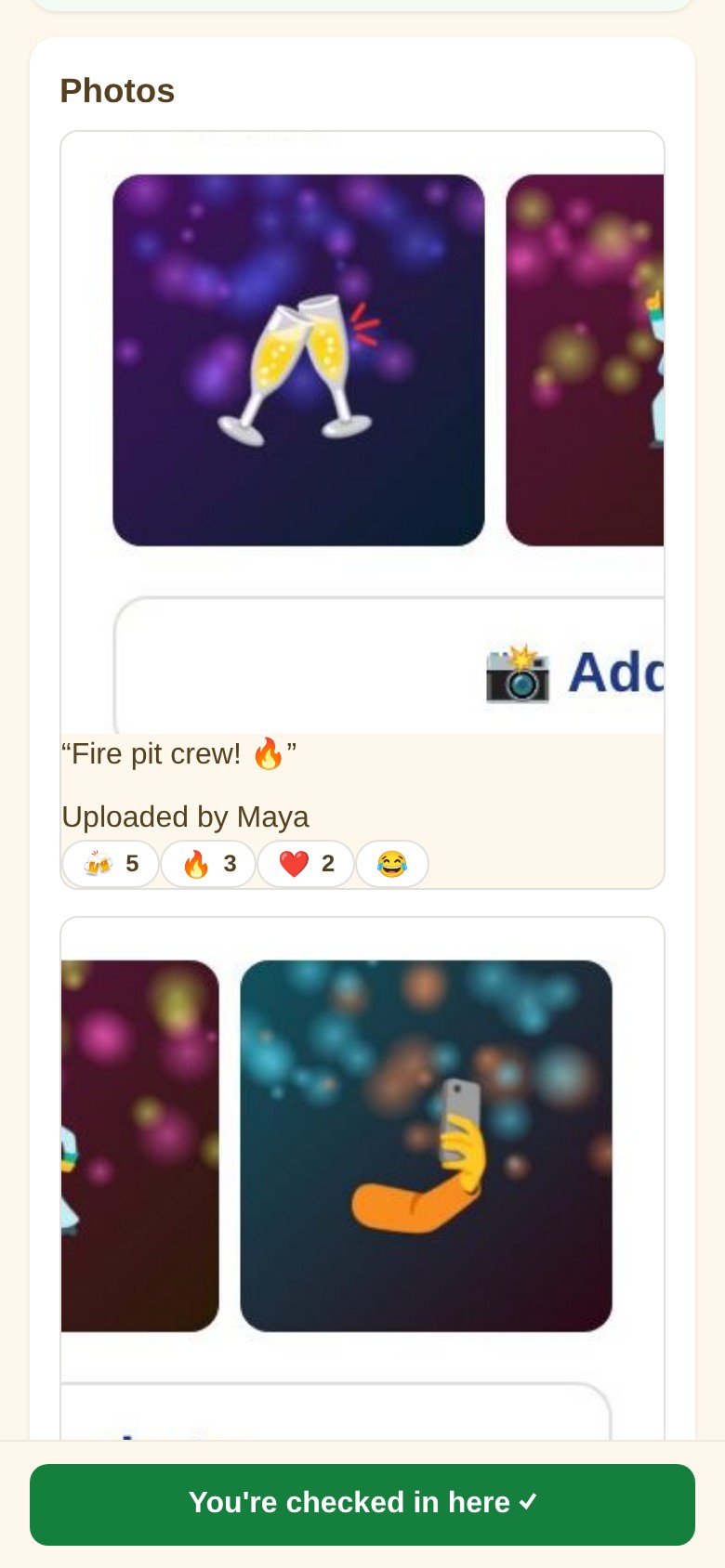
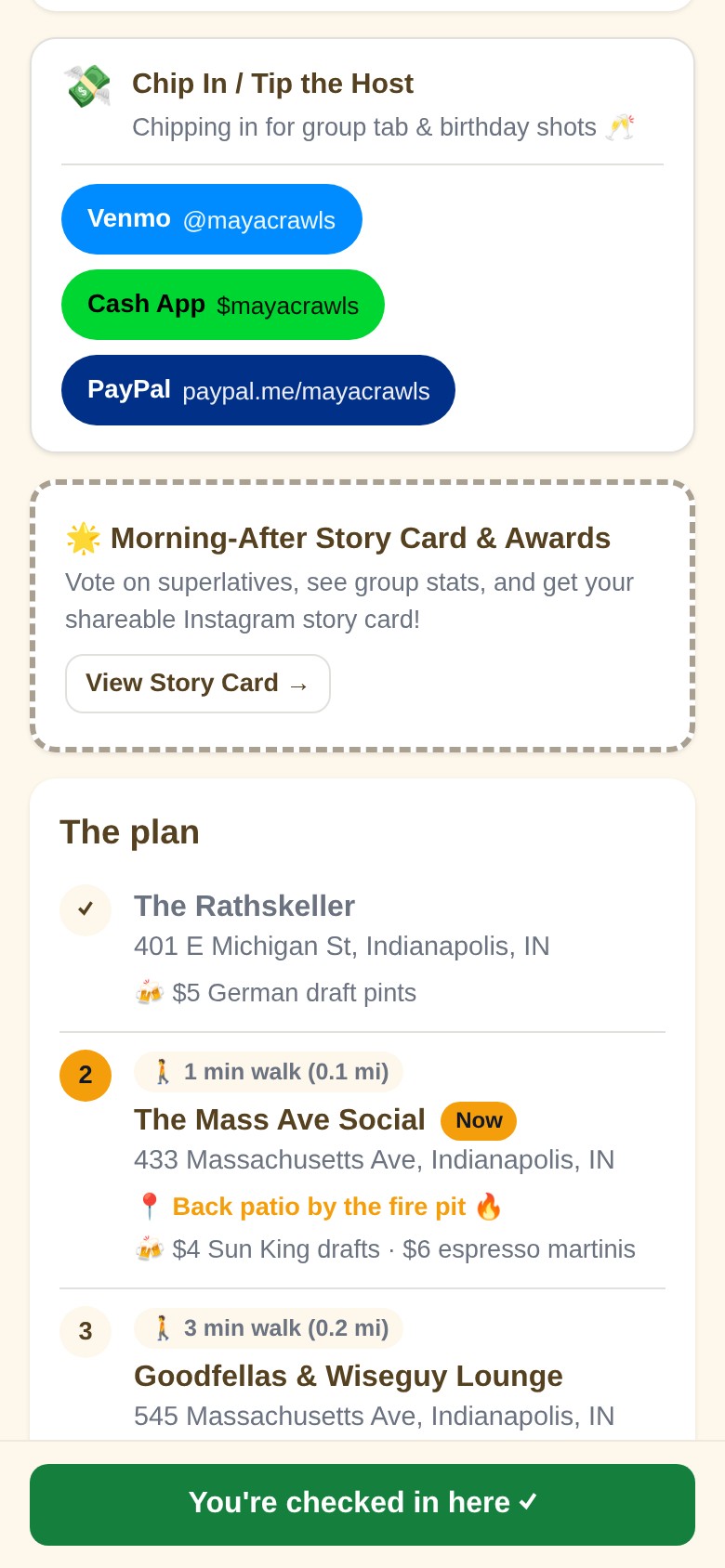
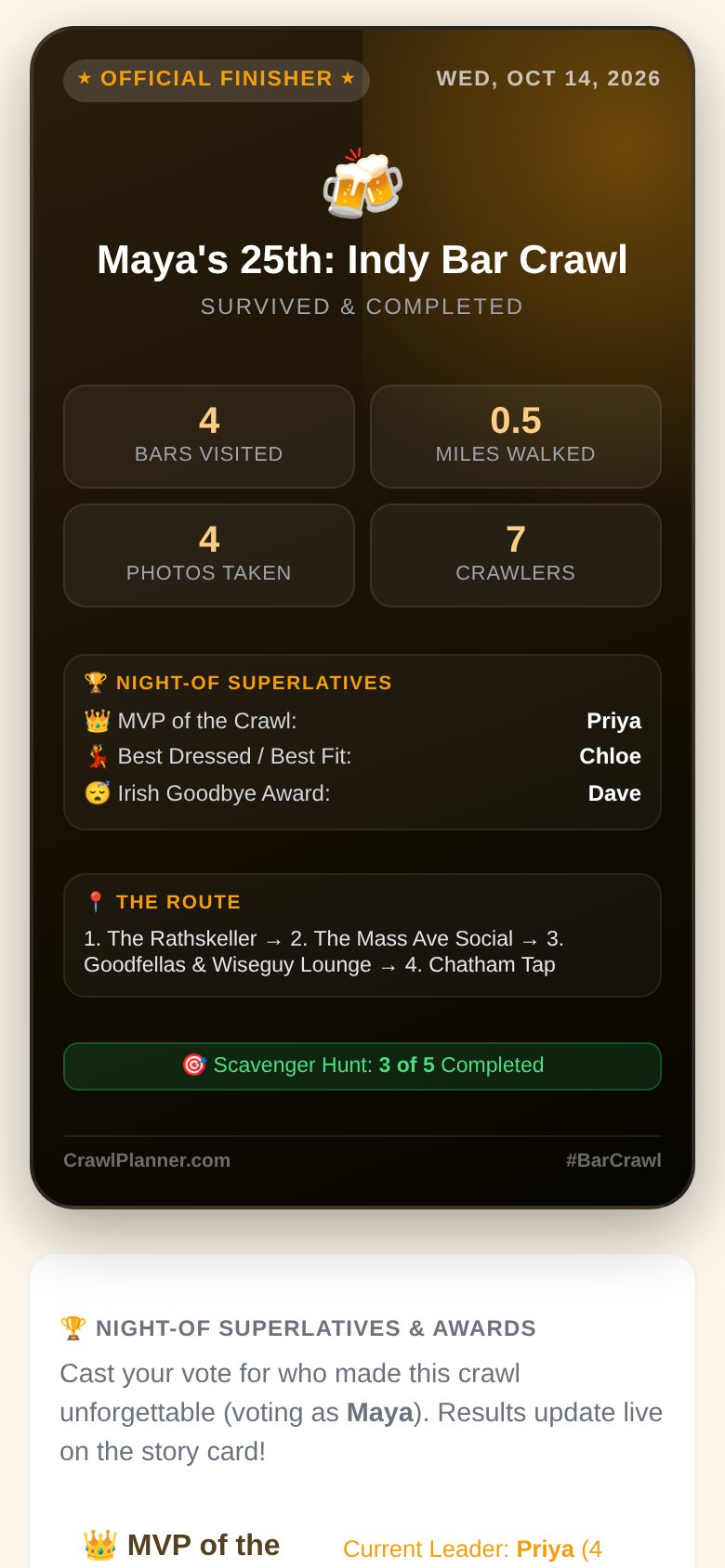
👑 What the host sees
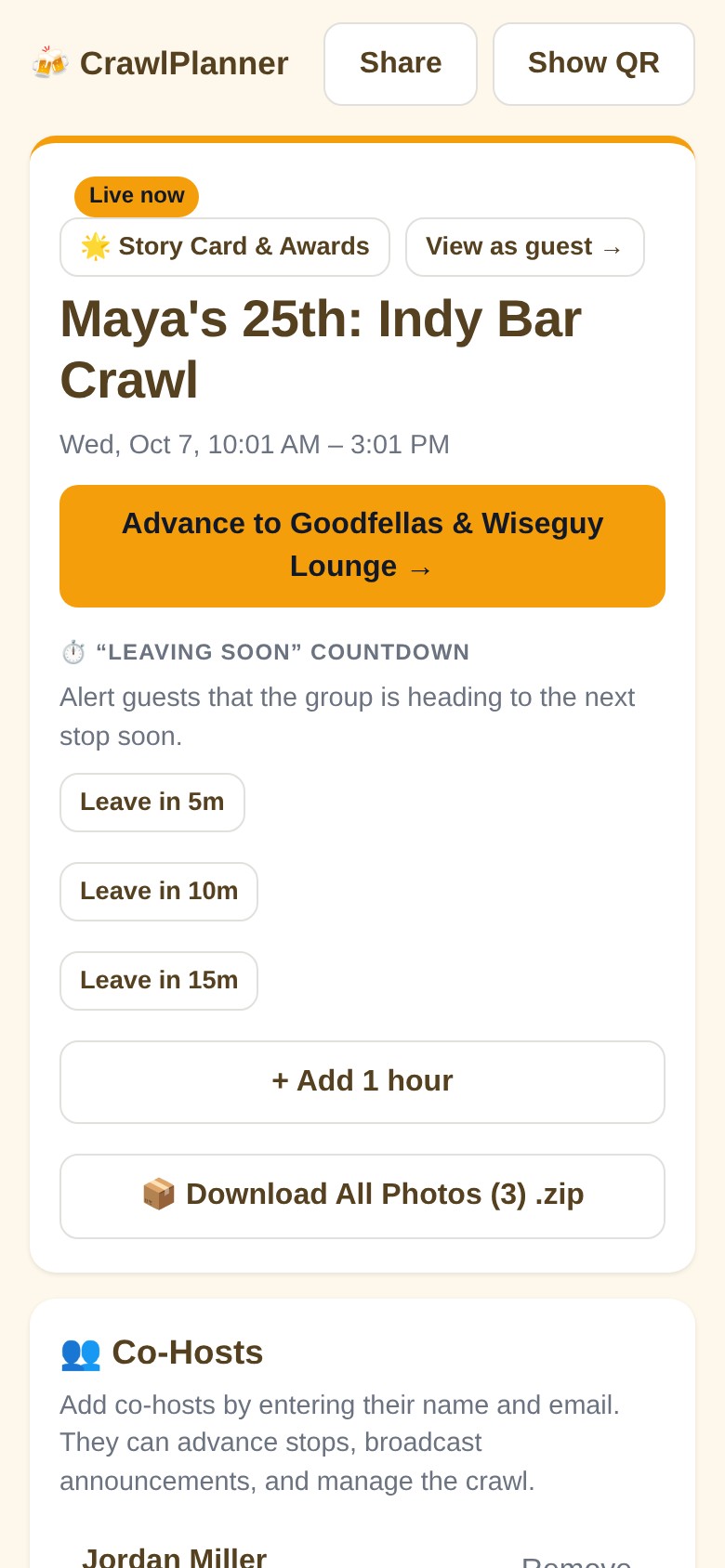
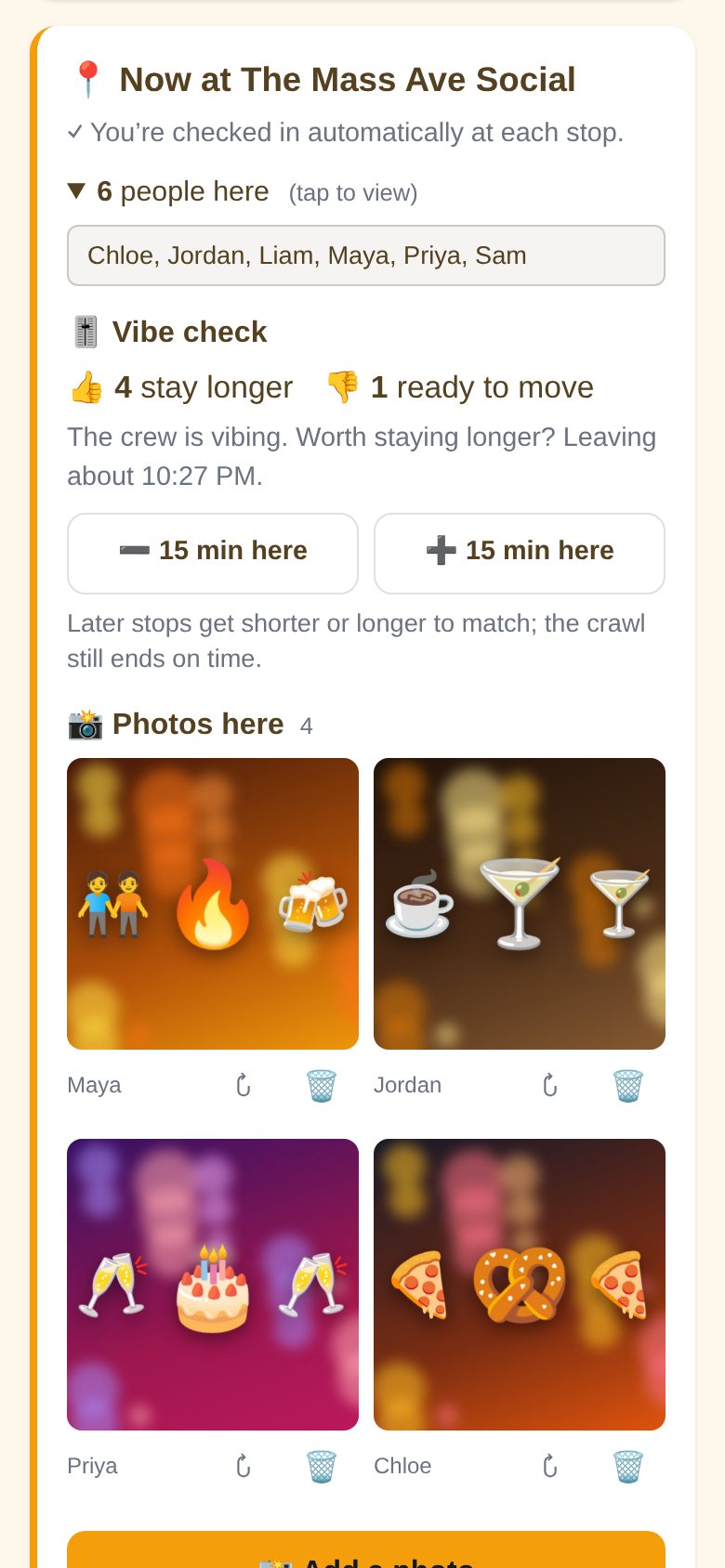
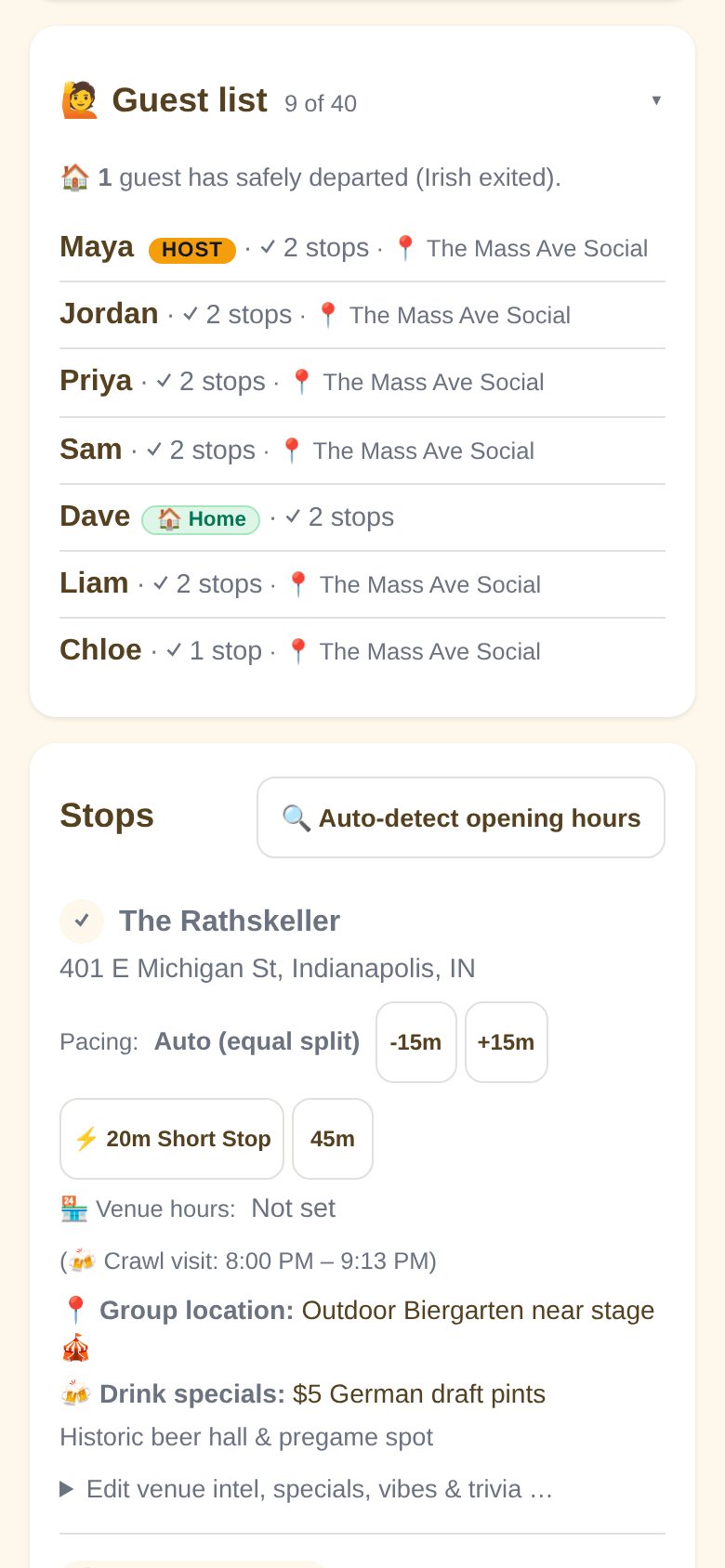
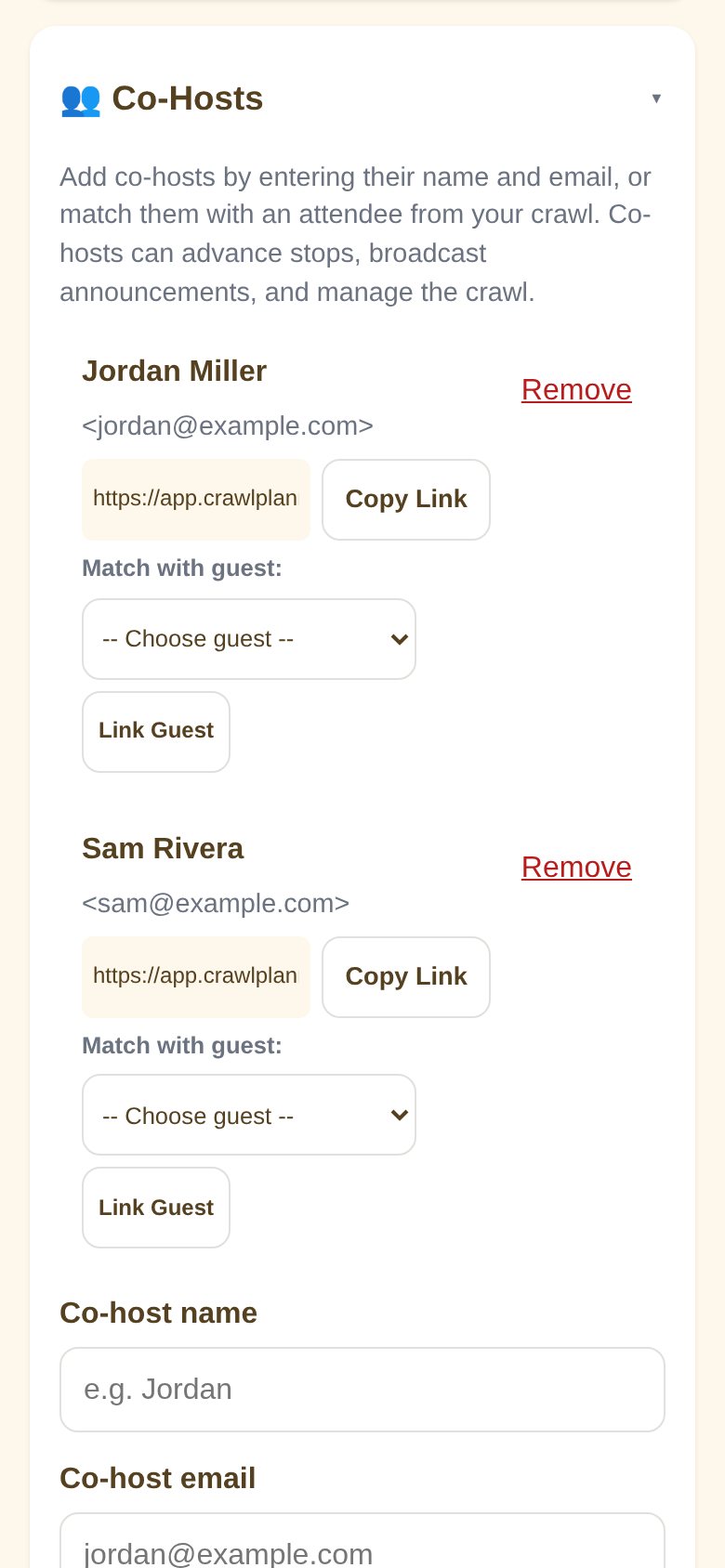
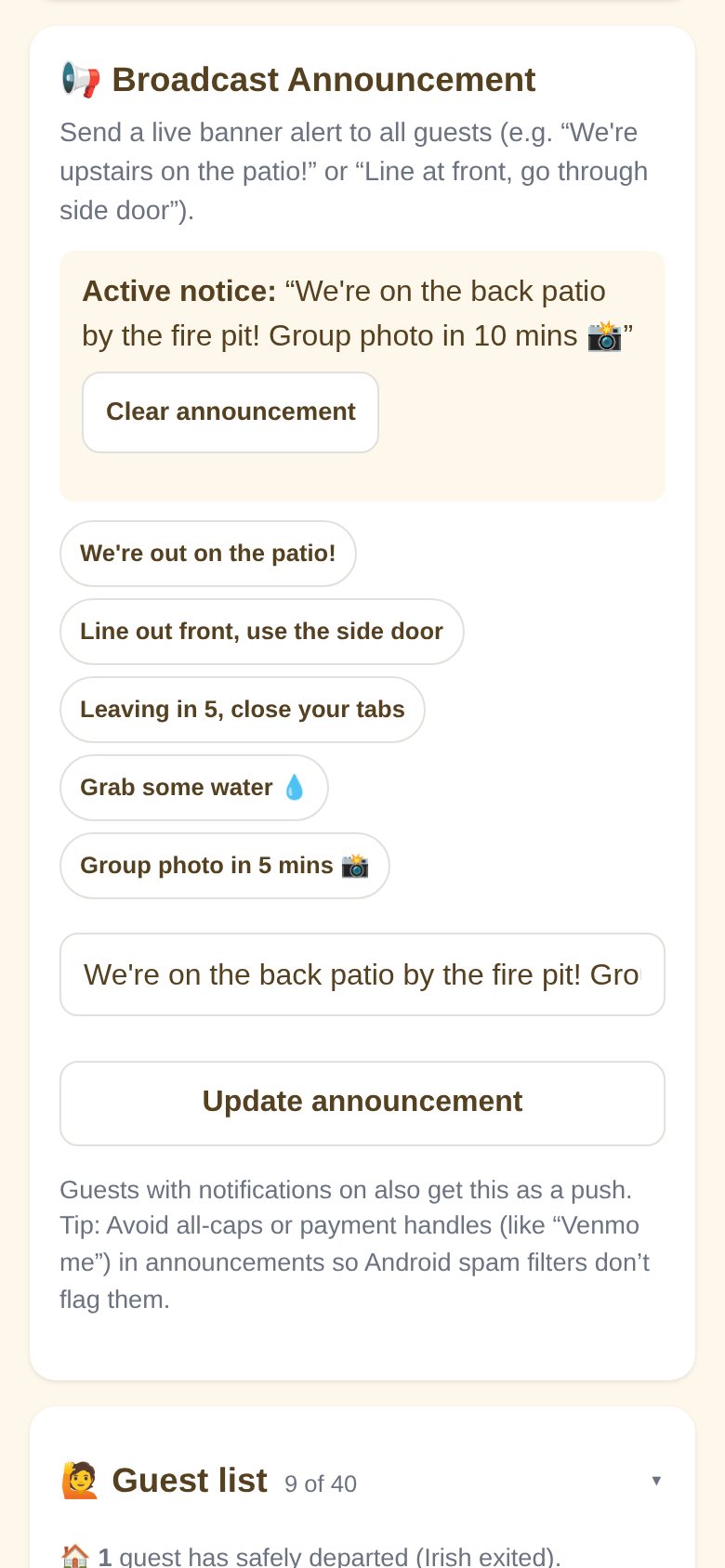
Real screenshots from CrawlPlanner running live.
How it works
-
1
Make the crawl
Name it, pick a start time, and add your bars. Add drink specials, inside spots, and optional Venmo or Cash App links.
-
2
Drop the link in the group chat
Or flash the QR code at the pregame. Friends tap it, enter their name, and they're in instantly.
-
3
Coordinate & celebrate
Broadcast patio updates, start leaving countdowns, hail rides, and tap "next bar" to move the whole crew together.
The good stuff
Morning-After Story Card
Instant 9:16 graphics for Instagram & TikTok with route miles, crowned best bar of the night, award winners, top photos, and 1-tap route cloning.
Multiple Co-Hosts
Invite friends by email with one-tap host links to broadcast alerts and advance stops alongside you.
Scavenger Hunt & Awards
Photo challenges, tap-to-reveal bar trivia, and voting on crawl superlatives (Crawl MVP, Irish Exit).
Directions & Rides built in
One tap opens Google Maps, Apple Maps, or hails an Uber or Lyft with the destination pre-filled.
Tab & Leaving Countdowns
Give stragglers a 5, 10, or 15-minute heads-up so everyone closes out their tab before moving.
Live Host Broadcasts & Alerts
Pinned banners on every phone, plus lock-screen alerts for the next bar, leaving timers, and announcements: "Upstairs on the patio!", "Side door entrance", etc.
Chip in for rounds
Host's Venmo, Cash App, and PayPal links right on the crawl page to settle tabs painlessly.
Captions, Reactions & .Zip
Tag photos with captions, drop 🍺/🔥/❤️ reactions, and grab a full .zip download in one click.
Inside intel & specials
Highlight happy hour deals and tell everyone exactly where inside the venue the group is posted up.
Plot twist? Fine.
Line out the door? 1-tap audible swap to open bars nearby, reorder stops with instant drag, or optimize your walking route in one click.
Gone in 7 days
Check-ins and photos auto-delete a week after, or the host can delete the whole crawl right away. Download your faves as a zip first.
Vibe check & photo nudges
Guests vote 👍 stay or 👎 move on, flag when they're 🏃 on the way, and get nudged to snap a photo before leaving a bar nobody has shot yet.
Pick your vibe
Tap a theme and the guest page restyles. Light or dark, with backgrounds like dots, stripes, confetti, or your own emoji. Or go fully custom with your own colors.
Real quick
Do my friends need to download anything?
Nope. It's a web page. It works in whatever browser their phone already has (Safari, Chrome, etc.). Lock-screen alerts are optional: Android guests just tap Allow, and iPhone guests tap Share, then Add to Home Screen (Apple only sends alerts to pages saved to the Home Screen). The crawl page walks them through it.
Can guests get notifications?
Yes. Once a guest turns them on, their phone pings when the host moves to the next bar, starts the crawl, posts an announcement, or starts a leaving timer. Hosts can send themselves a test alert and see on the guest list whose phone isn't getting them.
Do they need an account?
No. They open the link, add their name, and they're in. Only the host sets a password and gets an email with their management links. If the host forgets it, the host login page emails a reset link.
How many people can join, and what does it cost?
Crawls are free for up to 40 guests. Planning something bigger? Get in touch and we'll raise the limit for your crawl.
How do payment links work?
The host can add their Venmo, Cash App, PayPal, or custom link (like Zelle info) anytime. Guests see convenient one-tap payment buttons right on the live crawl page and on the end-of-night summary.
Can we download all the photos at once?
Yes! Both guests and hosts have a one-click "Download All Photos (.zip)" button on the summary and host dashboard so you don't have to save them one by one.
What happens to the photos and crawl data?
They stay up for 7 days after the crawl ends, then everything gets automatically deleted for everyone's privacy. Download the .zip before then! The host can also delete the whole crawl, photos included, at any time from the bottom of the host menu.
Can I change the plan mid-crawl?
Yep. The host can add, remove, or reorder upcoming bars, broadcast live alerts, start countdowns, or add an extra hour to the party.
Say hi 👋
Questions, feedback, bugs, or a feature you wish it had? Send it over. A real person reads these.